eSign Plans
Before you proceed, ensure that these steps have been completed:
- Create Plan
- Integrate with eSign software (such as DocuSign)
Steps to follow:
- Upload the plan document template
- Select the Plan that the plan document refers to
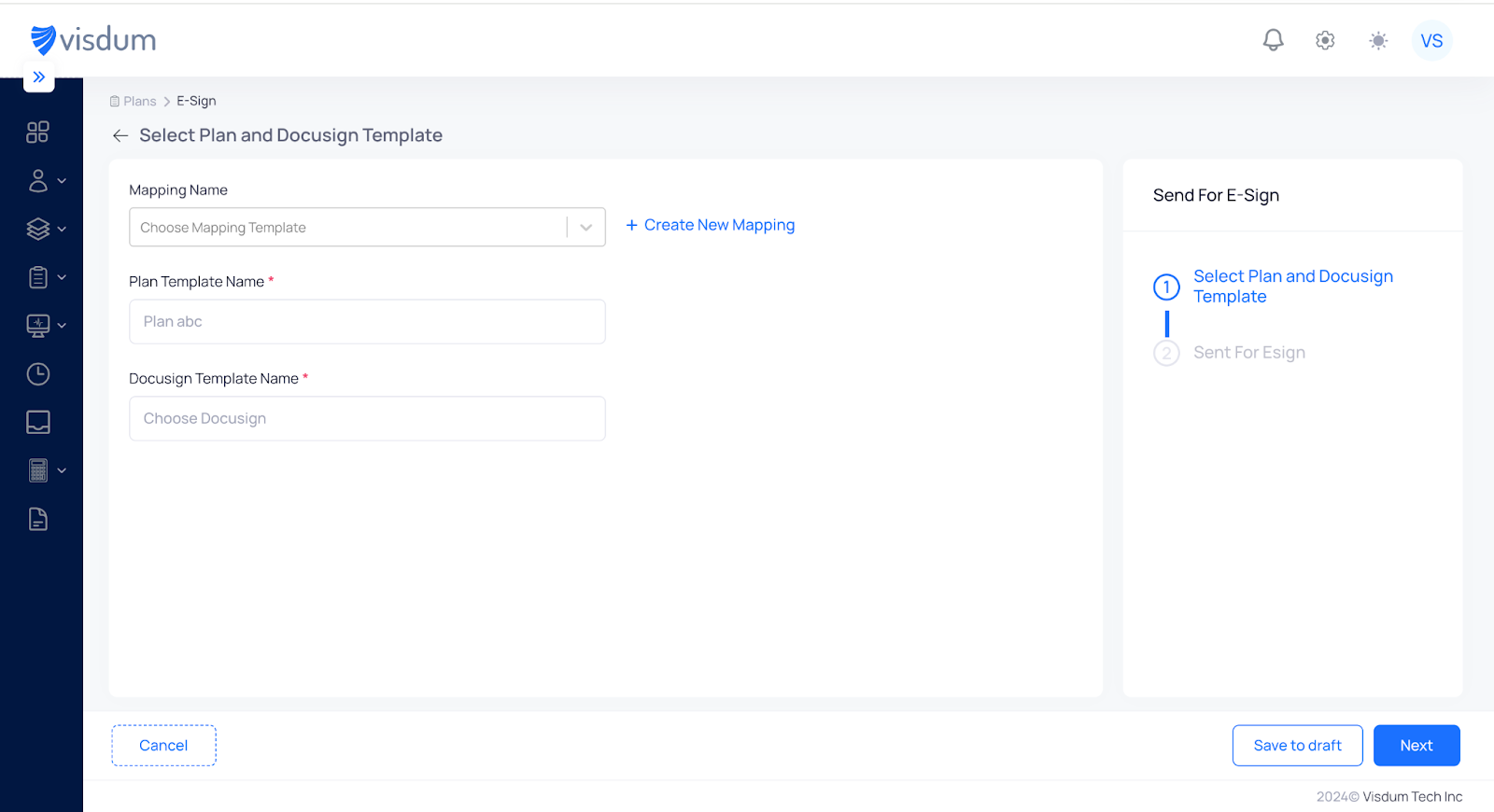
- Map the placeholders in the document template to the plan fields
- Select the participants that the plan document should go to
- Click “Send for eSigning”
- View the list of documents that have been sent and their status (Pending, Rejected, Signed).
- Send reminders to participants to eSign


.webp)